How to add Polygon Mumbai Testnet to MetaMask & get free test Matics
Published
•1 min read
TL;DR
Add Polygon Mumbai Testnet to your MetaMask wallet
The quickest way to is through Chainlist:
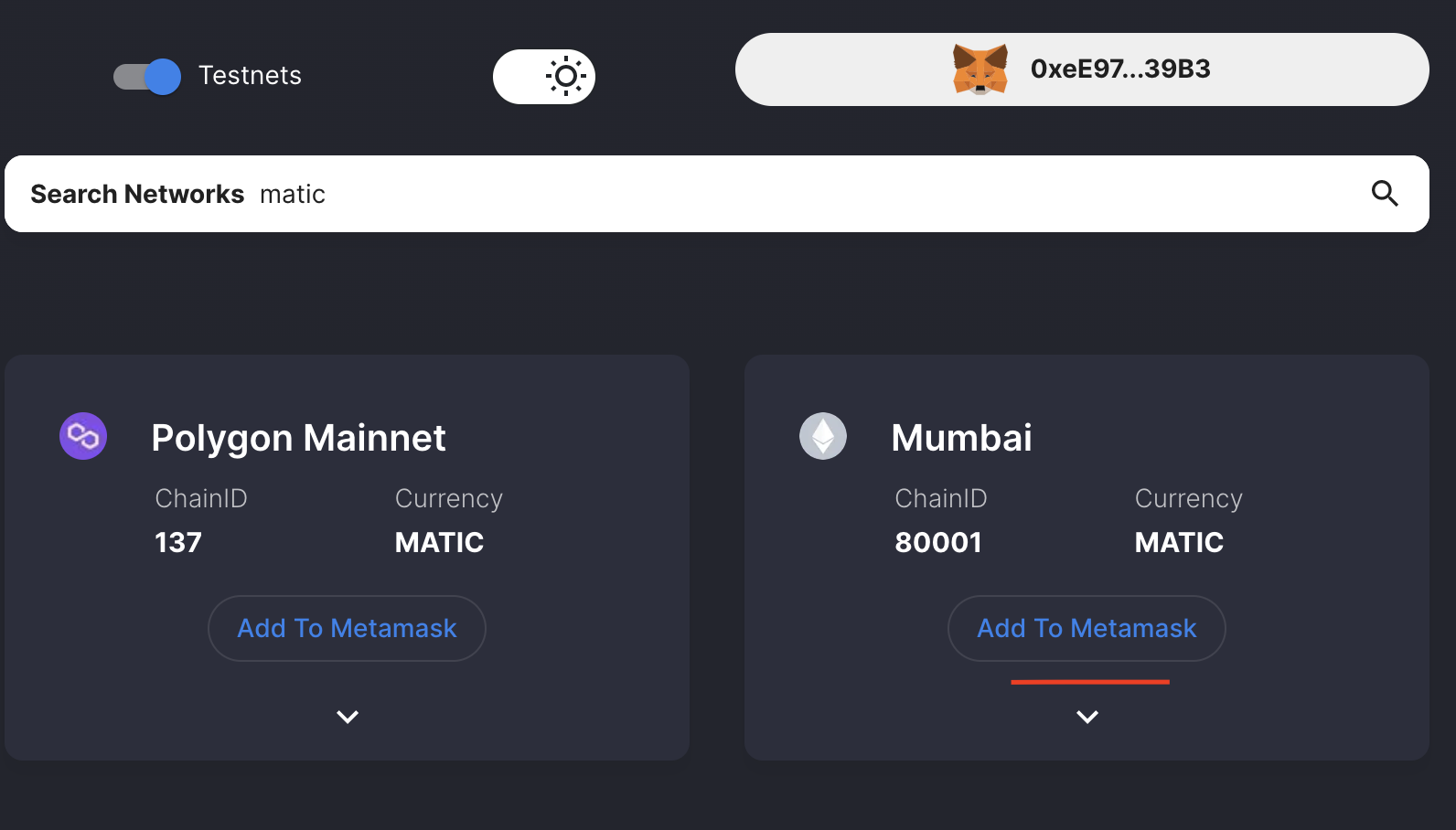
- Head over to https://chainlist.org/
- Search for matic
Enable
Testnets(if not already)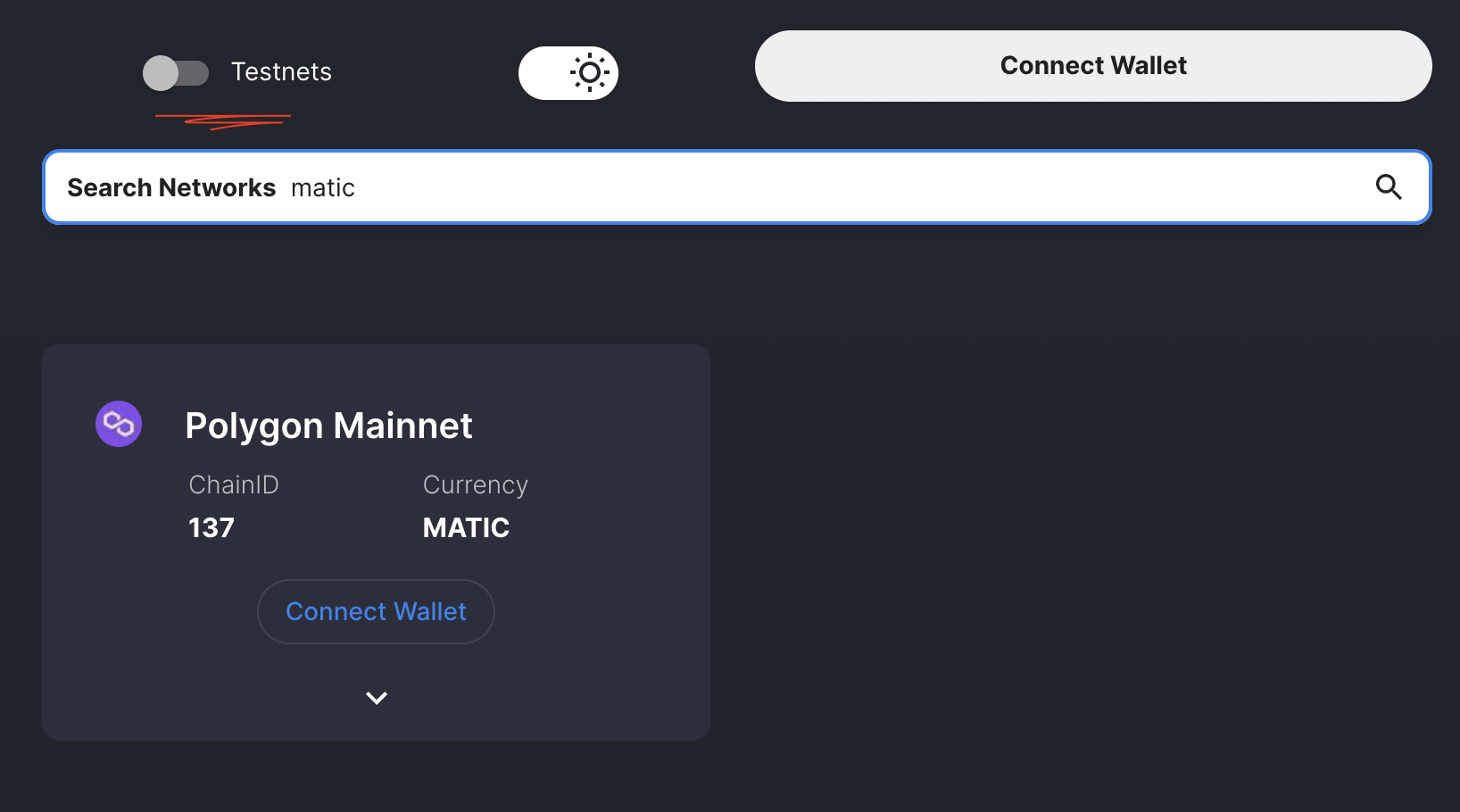
Click Connect to Wallet (if not already connected)
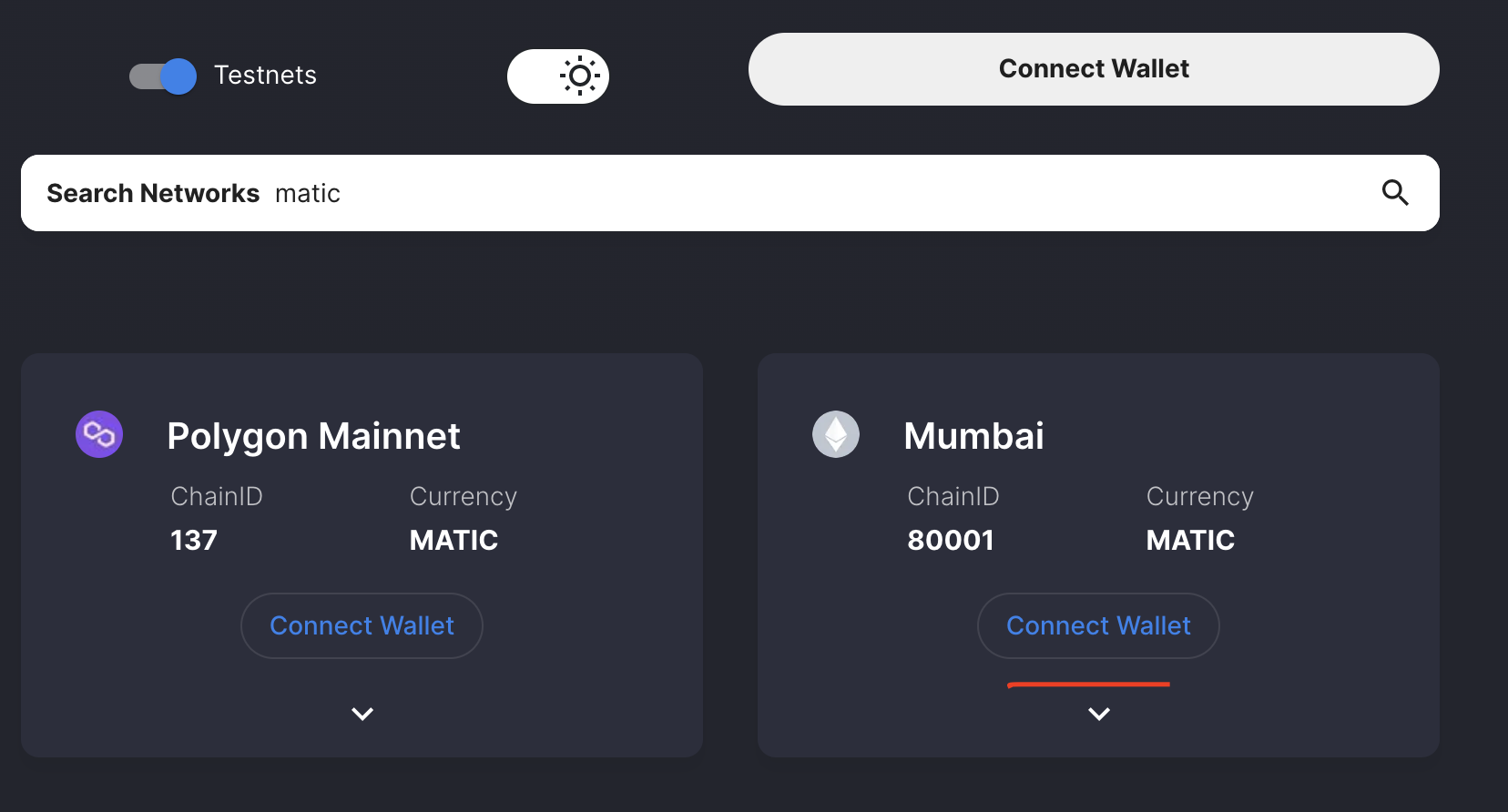
A MetaMask tab will popup
- Click Next followed by Connect
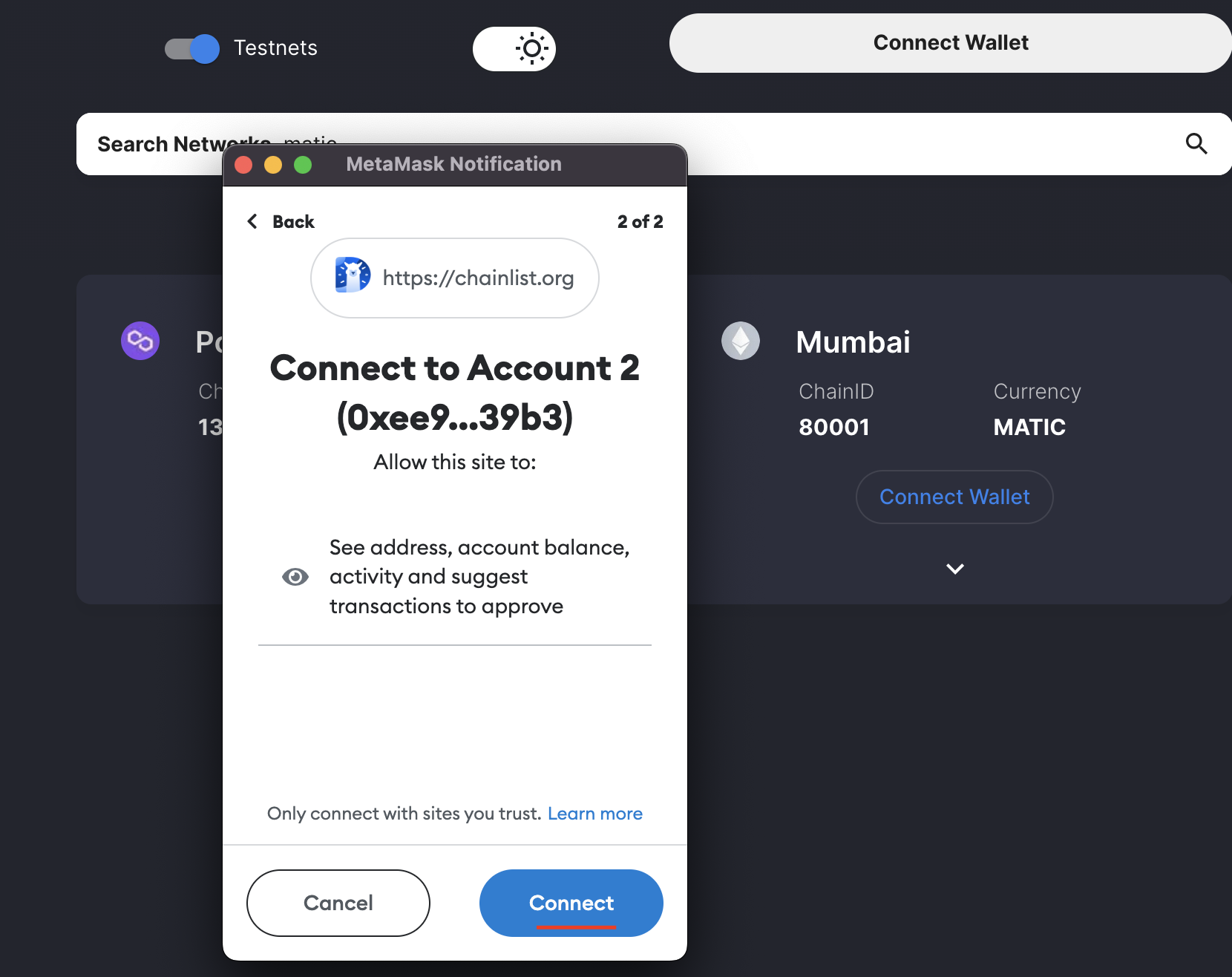
Once connected:
Click Add To MetaMask
Hit Approve
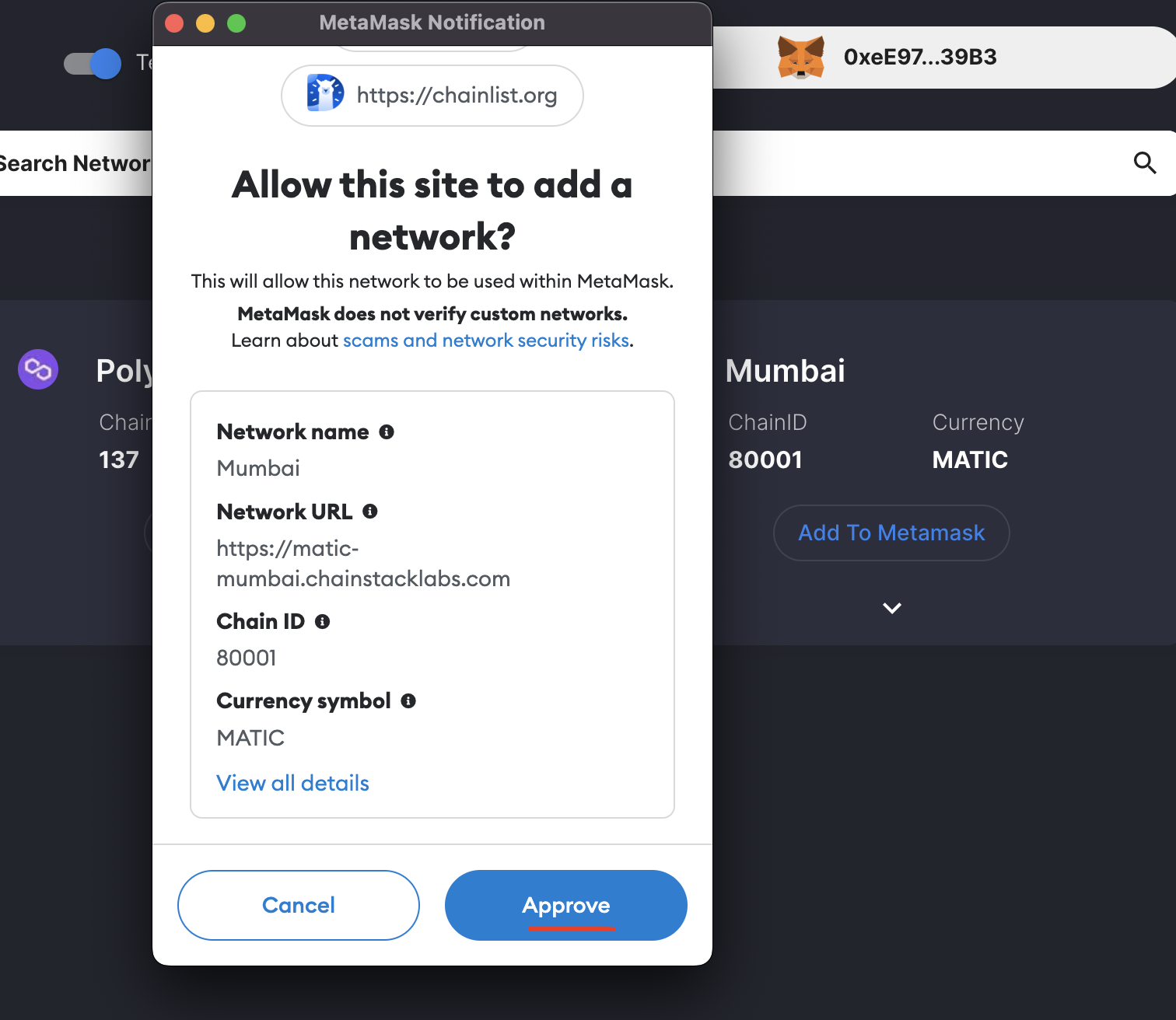
And that's it! All done 🥳🎉

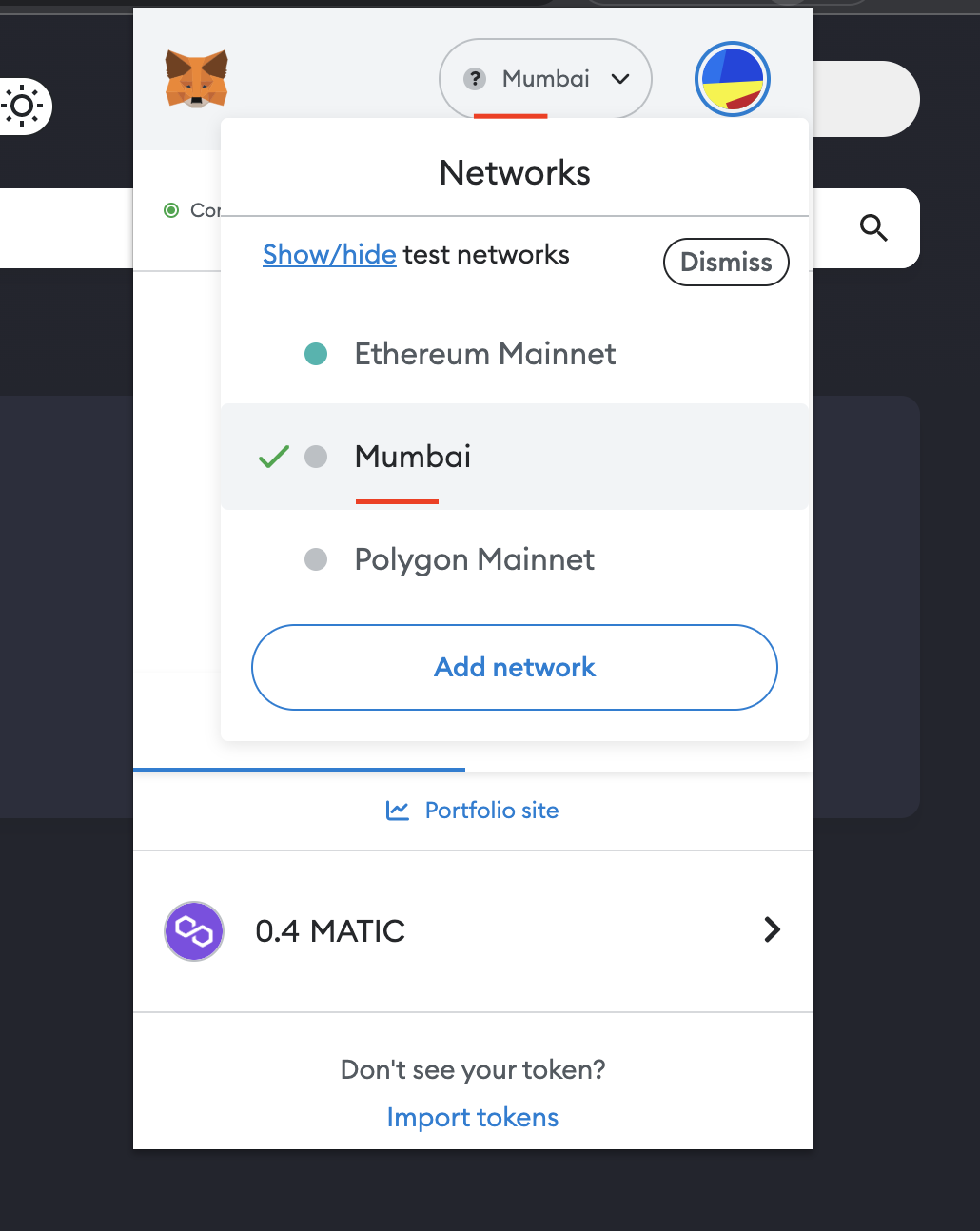
If you want to switch network straight away, you can do that in your MetaMask wallet
Add test Matic tokens on Polygon Mumbai testnet
To help you get started with development on Polygon, you will need test tokens. And it super easy to add
Head over to Polygon Faucet
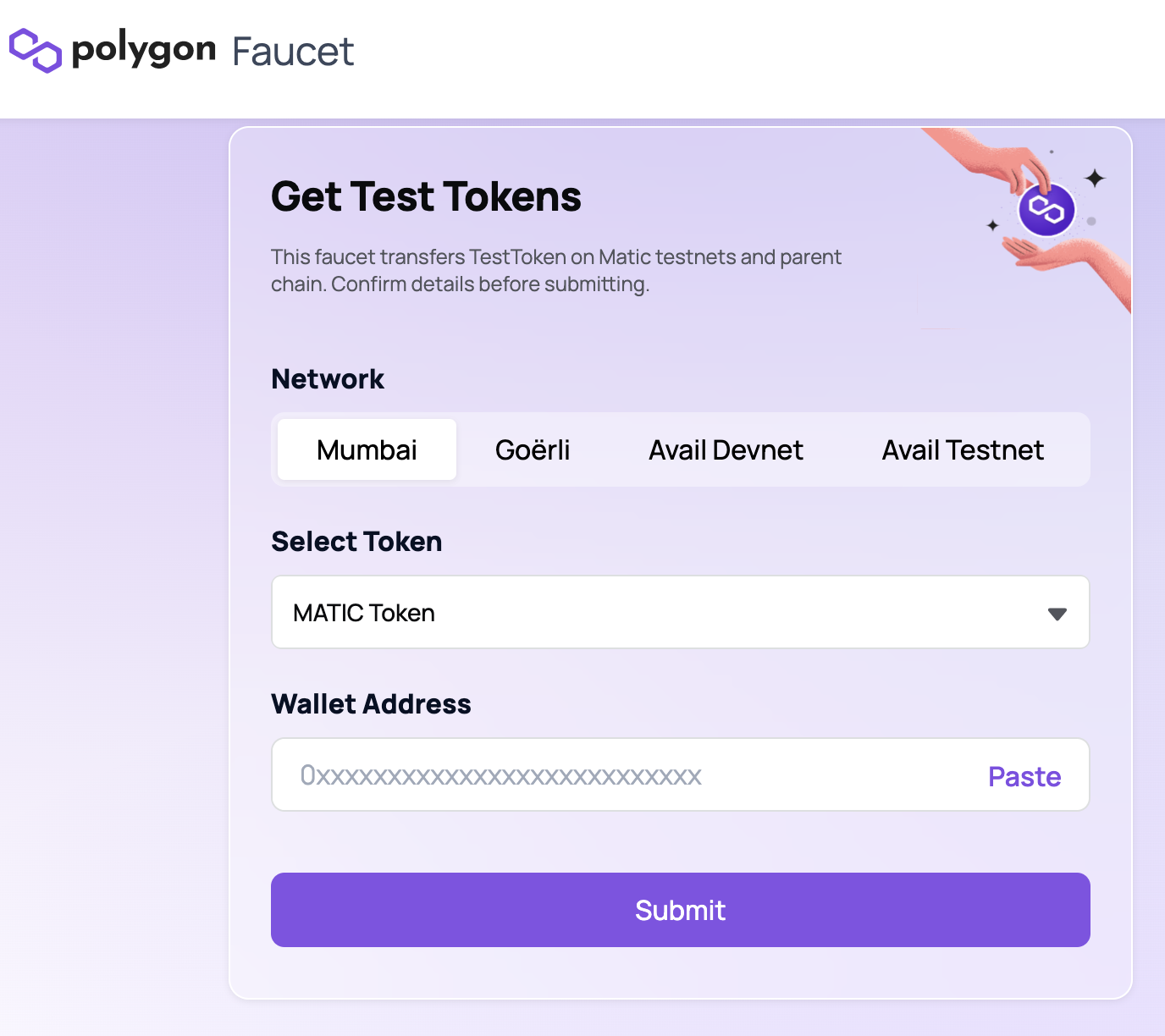
Paste your address
- Hit Submit